
Adding Ore Zone Boundaries
To add ore zone boundaries:
-
Create an Intersections table object. See Displaying Intersections.
-
Select the intersections table in the Current Objects toolbar.
-
Right-click a projection whilst Page Layout mode is inactive and select Insert >> Geological Feature >> Ore Zone Boundary.
-
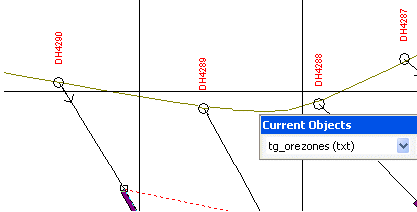
Starting from one side of the view, click the top of an intersection to outline the entire zone:
-
Continue in sequence across the view and outline the entire zone. Repeat and select the base of each intersection, ending at the start point.
-
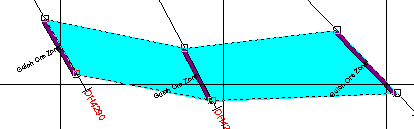
Right-click and choose Apply to finish the outline:
-
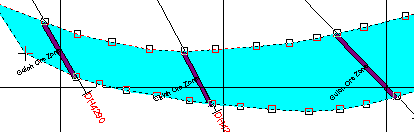
To insert points into the outline, right-click and choose Edit points to click on a line segment between two points and drag the inserted point to the desired location. Click again to position.
-
Repeat until editing is completed and then right-click and choose Apply to exit edit points mode:
Related topics and activities:
